
Ryobi Scroll Saw Manual: Model, Revision, and Parts Checks
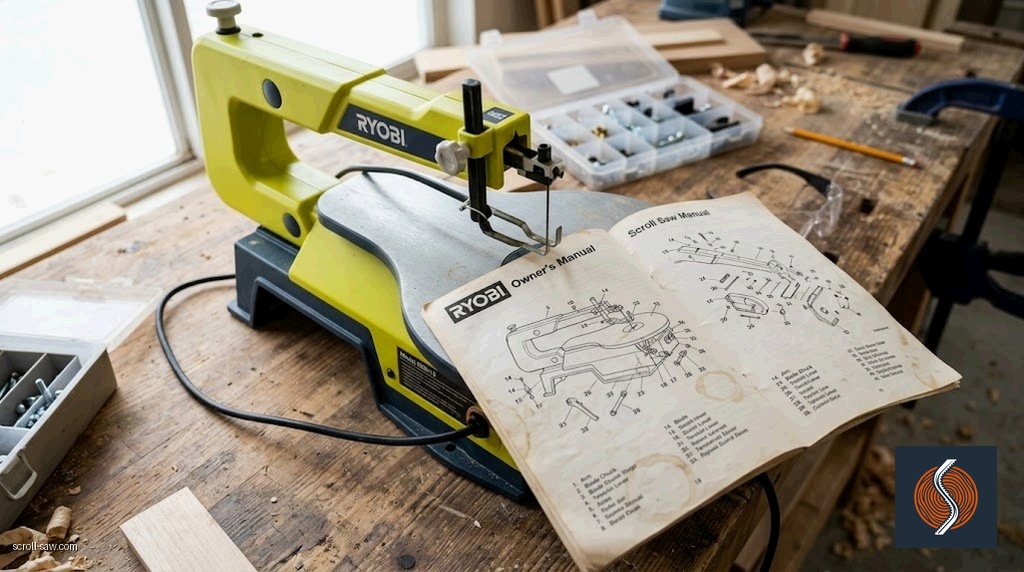
Ryobi Scroll Saw Manual: Model, Revision, and Parts Checks
Ryobi has produced enough scroll saw variants over the years that pulling the wrong manual is easy. SC155, SC162VS, SC164VS, SC165VS, SC180VS, and a handful of regional variants (the 405 mm European model, for example) all look similar and share many components, but the manuals and parts diagrams differ in ways that matter.
This piece walks through the identification steps and the channels that actually get you the correct document.
What a Ryobi scroll saw manual includes
A current Ryobi scroll saw manual runs 20 to 30 pages. It covers safety information, setup instructions, blade change procedure, tilt and tension adjustment, an exploded parts diagram, a numbered parts list, and a wiring diagram.
The parts diagram is what most owners return to. Ryobi keys parts by model and by revision year within each model.
Direct answer: the fastest path to the right manual
Read the model plate first.
The model plate on a Ryobi scroll saw is usually on the base or the rear of the body. It shows the model number (SC162VS, SC165VS, etc.), the serial number, motor rating, and manufacturing information.
Record the model number exactly, including any letter suffixes.
Record the serial number.
Go to ryobitools.com and use the product support search. Enter the model number. Select the product page and click on operator manuals or documents.
Download the manual PDF listed for your model. If multiple PDFs exist for different revisions, cross-reference against the serial number date range indicated in the document.
If no PDF is listed for your model, contact Ryobi customer service directly with the model and serial. They will send the archived PDF.
The Ryobi scroll saw model families
SC155. Older 15-inch scroll saw, largely legacy. Manuals may require customer service request.
SC162VS. Current or recent 16-inch variable speed. Documentation active on Ryobi website.
SC164VS. 16-inch variant. Documentation typically active.
SC165VS. 16-inch variant, current or recent. Documentation active.
SC180VS. 18-inch variable speed. Documentation typically active.
Regional 405 mm. European market equivalent. Manual sourced through Ryobi Europe.
Each model has its own manual. Do not use an SC162VS manual for an SC180VS.
Reading the revision line
Ryobi manuals include a date code or revision indicator, usually on the last page or the back cover. Format is typically a printed date such as 2019/06 or a revision code such as Rev A.
Revisions matter for the parts diagram. Motor housings, switch plates, and clamp assemblies have been updated across production runs. Ordering parts against the wrong revision produces wrong parts.
Using the manual for parts
Locate the part on the exploded diagram. Read the position number.
Find the position number in the numbered parts list on the following page. Note the Ryobi part number.
Order through Ryobi customer service, the eReplacement Parts website, or the retailer you purchased from (Home Depot direct.parts channel handles some Ryobi items).
Provide the model number, serial number, and part number when ordering. This is what confirms you get the correct part for your revision.
Common mistakes
Assuming SC164VS and SC165VS manuals are interchangeable. Both are 16-inch machines but have distinct revisions.
Downloading a manual from a general search result instead of Ryobi’s product page. Older PDFs circulate on third-party sites and may not match your revision.
Ordering parts without checking the revision. Blade clamps and switches have changed across production years.
Assuming the North American SC162VS manual applies to the European 405 mm equivalent. They share design but differ in specifications and part numbers.
When the saw came without a manual
Used Ryobi scroll saws often arrive without documentation. Photograph the model plate and email Ryobi customer service. Response is usually within one to three business days with the correct PDF.
In the meantime, most Ryobi scroll saws follow the same general setup and operation, so the closest available manual gives you a starting point. Just do not order parts against the wrong manual.
Verdict and takeaways
-
Identify your Ryobi scroll saw model exactly (SC162VS, SC164VS, SC165VS, SC180VS, or legacy).
-
Serial number determines the revision year for parts diagrams.
-
Ryobi’s product support pages host current manuals; customer service supplies archived PDFs.
-
Do not cross-use manuals between models; parts numbers differ.
Frequently asked questions
Where do I download the Ryobi SC162VS manual? From the Ryobi product support page for the SC162VS.
Are the SC164VS and SC165VS manuals the same? No. They are related but distinct models with separate documentation.
Where is the model number on a Ryobi scroll saw? On the model plate, usually on the base or rear of the body.
Can Ryobi send a paper manual? Generally only PDF, though the customer service team may print and mail on request.
Is the North American SC162VS manual valid for the European 405 mm model? No. Regional variants have separate manuals.
How do I request an older Ryobi scroll saw manual? Contact Ryobi customer service with model and serial number. They will send the archived PDF.
References
-
Ryobi Tools product support documentation.
-
Ryobi customer service manual archive.
-
Owner documentation requests, Ryobi Nation and Home Depot forums 2022-2026.


